
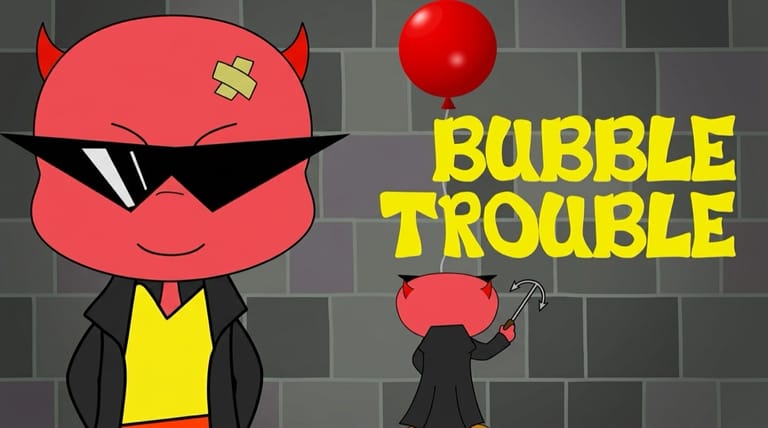

Bubble Trouble
Loading game…
Bubble Trouble
Pop the bouncing bubbles before they pop you. Bubble Trouble (also known as Bubble Struggle) is the cult classic Flash arcade game — a devil in a trench coat, a harpoon, and ever-splitting bubbles. It costs nothing to play here, on a page that emulates the old Flash runtime for you, so there is no plugin to chase down and nothing saved to disk. Below the game you'll find the rules, the two-player key layout, and advice for the levels that start to bite.
What Is Bubble Trouble?
Bubble Trouble is a 2D arcade skill game from the early Flash era, created by Kresimir Cvitanovic. You control a little devil on the ground who fires a harpoon straight up. Large bubbles split into smaller ones when hit; clear every bubble to finish the level before time runs out — or before one touches you.
It started life under the name Bubble Trouble, then became widely known as Bubble Struggle after a rename. Whatever you called it on the school library PC, the loop is the same: shoot, dodge, and chase one more level.
How the Gameplay Works
Each stage drops you into a closed arena with bouncing bubbles:
- Harpoon shot — fire upward; a hit pops or splits a bubble.
- Splits — big bubbles become smaller, faster ones you still have to clear.
- Dodge — touching a bubble costs a life / restarts the level.
- Timer — a depleting bar keeps the pressure on.
- Power-ups — clocks and other pickups can spawn when bubbles pop.
Levels ramp up with more bubbles, tighter spaces, and less forgiveness — pure arcade tension.
How to Play
Hit Play and the arena appears within a second or two. From there:
- Move left and right along the floor.
- Shoot your harpoon upward at the bubbles.
- Clear every bubble, including the tiny ones after big ones split.
- Survive the timer and avoid getting hit.
- Climb through harder levels and chase a high score.
On desktop, use the keyboard. On phones and tablets, an on-screen control bar sits under the game with Left, Right, and Shoot so you can play with your thumbs.
Controls
The keyboard layout covers both players at once, which is why the second set sits on the left of the keyboard:
| Action | Control |
|---|---|
| Move left (Player 1) | Left Arrow |
| Move right (Player 1) | Right Arrow |
| Shoot (Player 1) | Space |
| Move left (Player 2) | A |
| Move right (Player 2) | D |
| Shoot (Player 2) | Q |
Two-player mode is easiest on a desktop keyboard. Mobile on-screen controls cover Player 1.
Tips for New Players
- Keep moving. Standing still under a cluster is how you get clipped.
- Shoot, then dodge. Fire and immediately step aside from the split pieces.
- Prioritize big bubbles early when you have room — but leave yourself an escape lane.
- Watch the timer. A clock power-up can save a desperate clear.
- Learn the bounce. Bubbles rebound off walls — predict the path, don't chase randomly.
Why Play It in Your Browser?
Bubble Trouble is a perfect slice of early-web arcade gaming — simple controls, sharp difficulty, and "one more try" energy. Running it here means no Flash plugin and no abandoned portal dead ends: press Play and you're in. Desktop keyboard play is ideal; mobile works with the under-game control bar.
Frequently Asked Questions
Is this the same as Bubble Struggle? Yes — it's the classic title that was released as Bubble Trouble and later widely known as Bubble Struggle.
Why do the small bubbles feel harder than the big ones? They move faster and bounce at shorter intervals, so you get less warning about where they will land. Clearing them takes positioning rather than reflexes.
What do the power-ups do? The clock buys back time on the level bar. Others alter your harpoon, and they only appear from popped bubbles, so a level with few bubbles left rarely gives you one.
Can I play on my phone? Yes. Use the on-screen Left, Right, and Shoot controls under the game. A physical keyboard is still nicest for two-player.
Does it support two players? Yes on desktop (second player uses A / D / Q). Mobile on-screen controls are Player 1 only for now.
Ready to pop some bubbles? Press Play and stay out of trouble.